This case study documents Atelier at its earliest stage. The ideas, architecture, and decisions captured here are still being tested and will evolve as development continues.
The Problem
As a freelancer, a lot of early branding work follows the same pattern. A client comes in, and before any real creative decisions get made, there is a layer of groundwork: figuring out what kind of brand this is, what typography suits it, what spacing feels right, what colours work beyond what is already in their brand kit. For website work especially, things like type selection, spacing scales, layout rhythm, and colour decisions outside the core brand palette tend to repeat in a familiar way.
I enjoy that work. That was not the problem. The problem was that it felt like a process we were doing alone, without anything to reason against. I wanted something that could challenge my thinking, offer a structured perspective, and act as a third eye rather than a tool that just executes. I did not want AI to do the branding. I wanted AI to think alongside me.
So I started building Atelier.
What It Does So Far
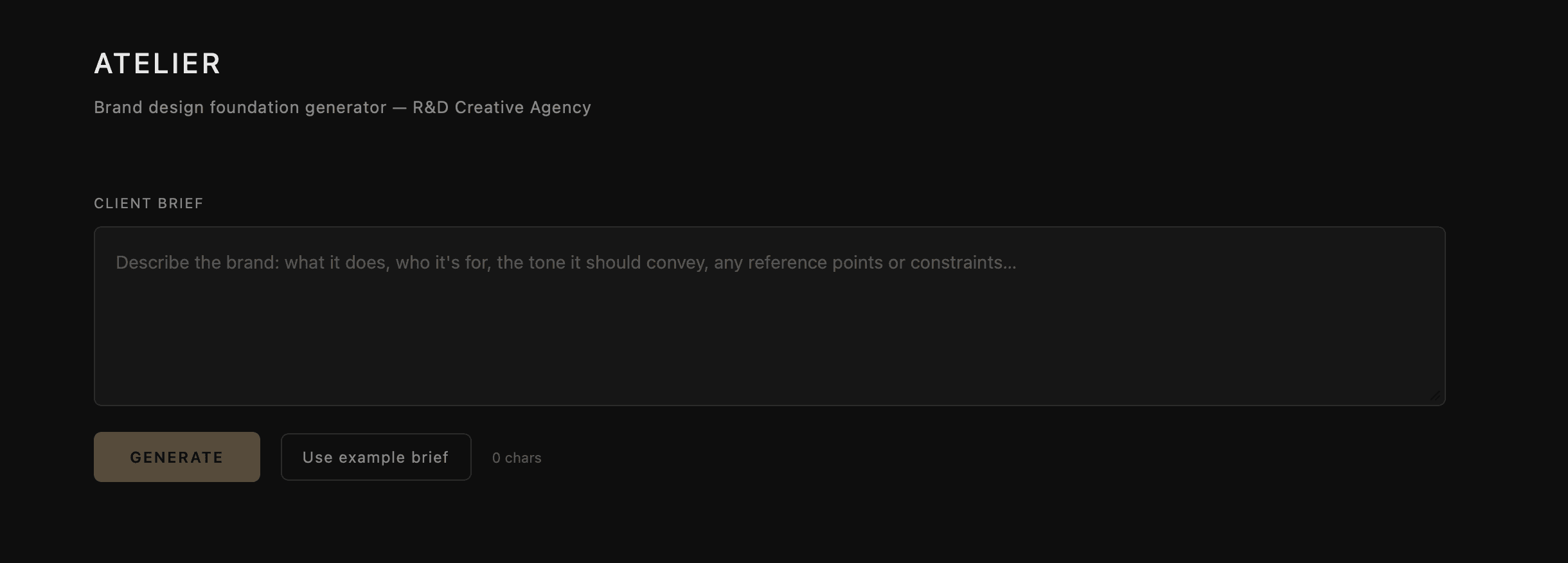
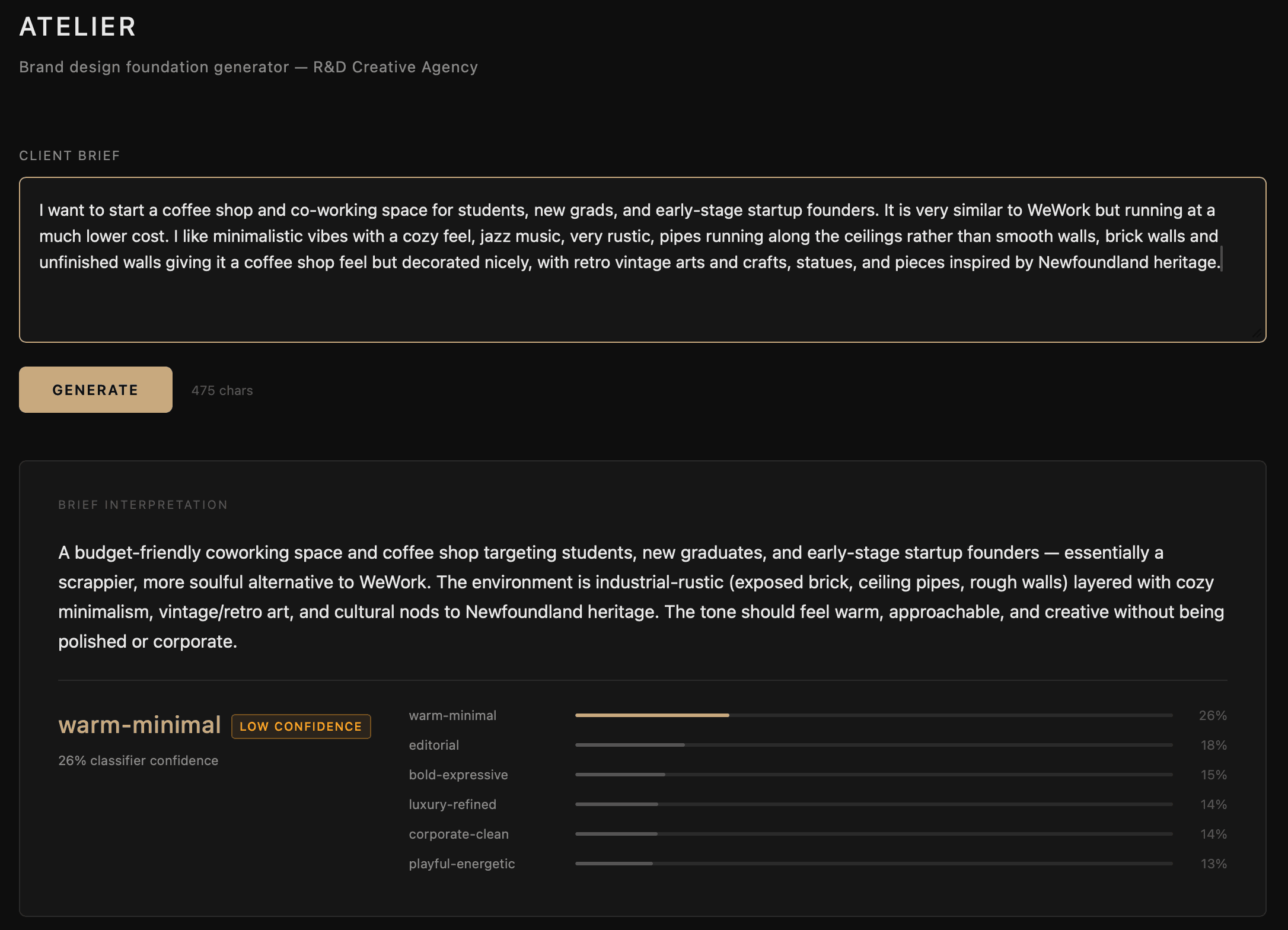
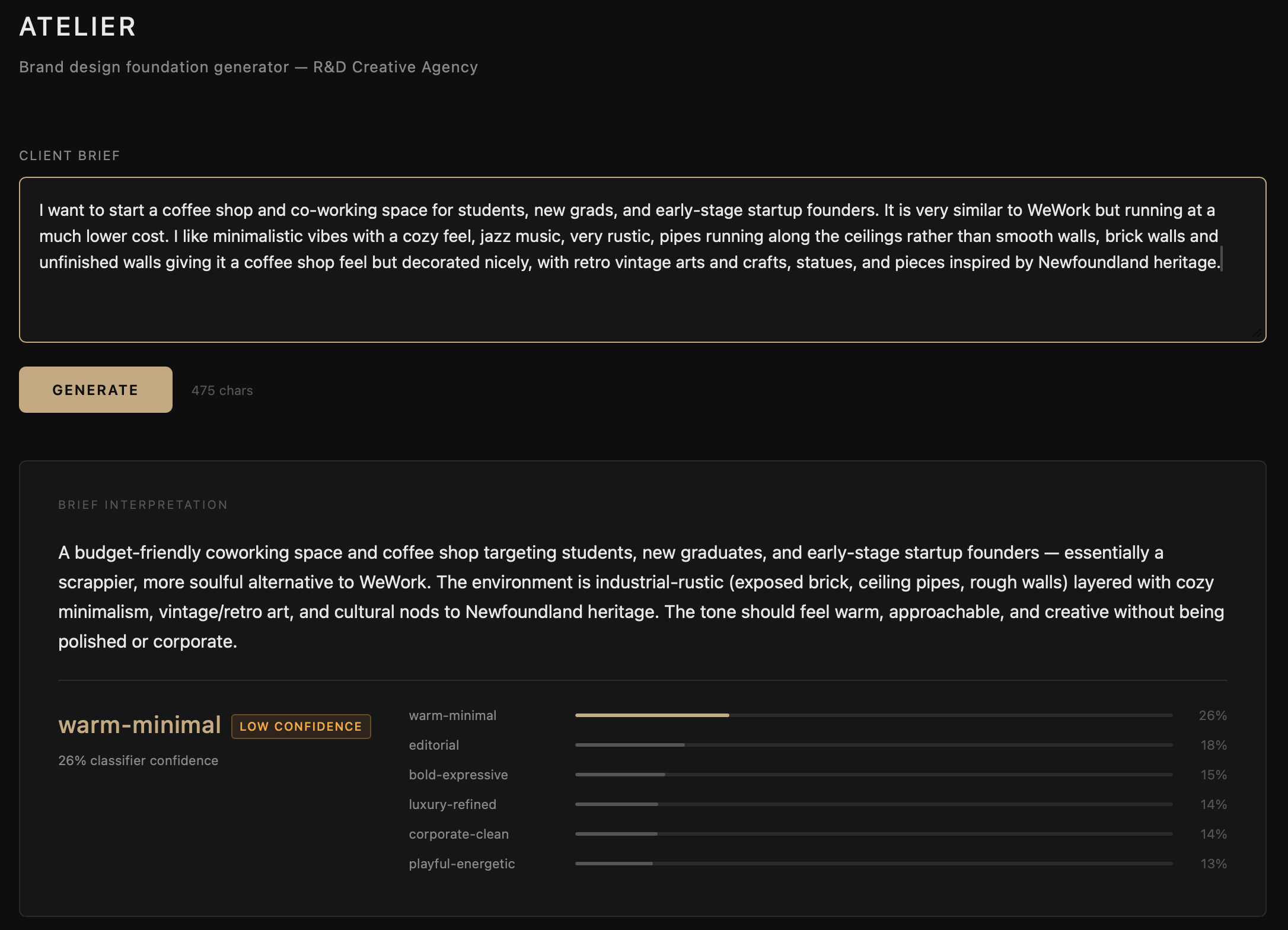
Atelier is still being figured out. It is an internal tool and very much in active development. What it does today: you enter a prompt describing a business and what you are building for them, and Atelier returns a full breakdown of how to approach the brand for that context. Typography selection, colour palette, spacing scale, layout rhythm, and a validation report covering whether the proposed system holds up against accessibility and readability standards.
One opinion I hold strongly is human readability. I am scoping Atelier specifically for contexts where reading is the primary activity: articles, body copy, long-form content, anything that takes sustained attention. These are the surfaces where typographic decisions matter most and where getting spacing and layout rhythm wrong creates real friction for the reader. Atelier is built with that use case at the centre, not as an afterthought.
How We Brought AI Into This
The AI layer reasons, it does not decide. A prompt goes in, a scikit-learn classifier predicts a design archetype as a probability distribution across six categories: editorial, warm-minimal, bold-expressive, corporate-clean, luxury-refined, and playful-energetic. That distribution goes to Claude as context alongside the original prompt. Claude proposes typography, colour, spacing, and layout rhythm with written rationale for every suggestion. A validation module then checks the output against WCAG contrast thresholds, line height ratios, reading measure, and spacing coherence before anything is returned.
Where the proposal falls short, Claude corrects it and notes what changed. Where a decision involves a trade-off, Claude names it and leaves the call to the designer. That is intentional. Atelier surfaces reasoning. I make the judgment.
What We Have Learnt So Far
The clearest thing I have learnt is that the value is in the constraint. Atelier works because it does not try to do everything. It handles a specific part of the process, reasons through it carefully, and hands it back. The moment I tried to expand its scope, it became less useful. Keeping it focused on the groundwork, and keeping the creative judgment with me, is what makes it worth using.
| Stack | Python, FastAPI, React, Claude API, scikit-learn, pandas, NumPy |
| Status | Internal alpha, in active use |
| Maintainer | Rashod Korala |
Roadmap
| Version | Scope |
|---|---|
| v0.1 (current) | Core pipeline, FastAPI, React UI, localhost only |
| v0.2 | Phase 2 visual audit layer: image input, colour extraction, mathematical layout analysis |
| v0.3 | Figma MCP integration: push generated system directly as Figma variables and styles |
| v0.4 | Session logging to pandas dataframe, building a proprietary R&D brief-to-system dataset |
| v0.5 | Fine-tune classifier on R&D's own dataset, improving archetype prediction accuracy |
| v1.0 | Client-facing mode: shareable output links, PDF export, revision history |
Tools & tech stack