Scale every way a bar actually works
Resize a cocktail by multiplier, target servings, or a finished batch volume.
InkBar for iPhone
Scale any cocktail to any batch in seconds. Convert oz, ml, cl, and parts, estimate dilution for batching, and keep your house specs in one readable place.
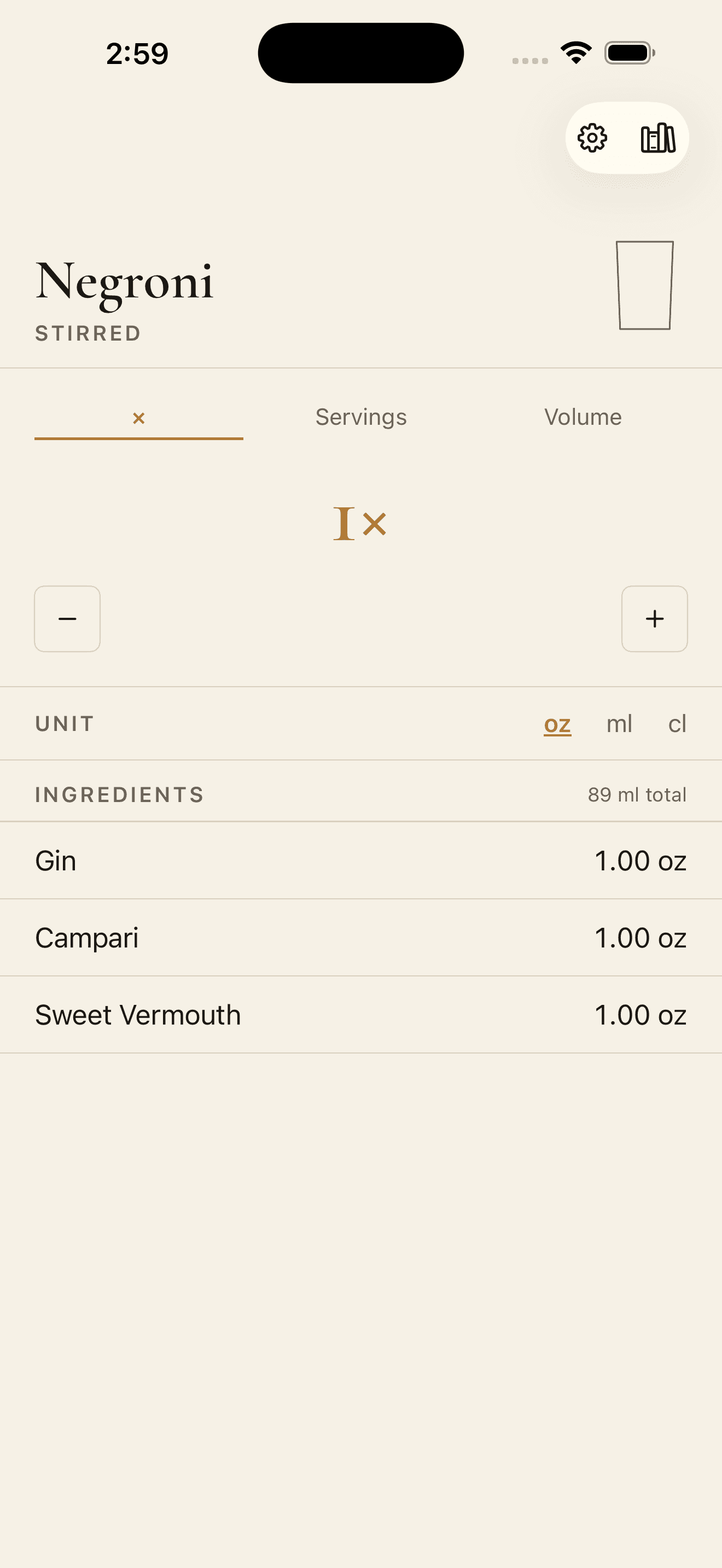
Resize a cocktail by multiplier, target servings, or a finished batch volume.
Enter specs in oz, ml, cl, or parts, then read the batch back in the unit you pour with.
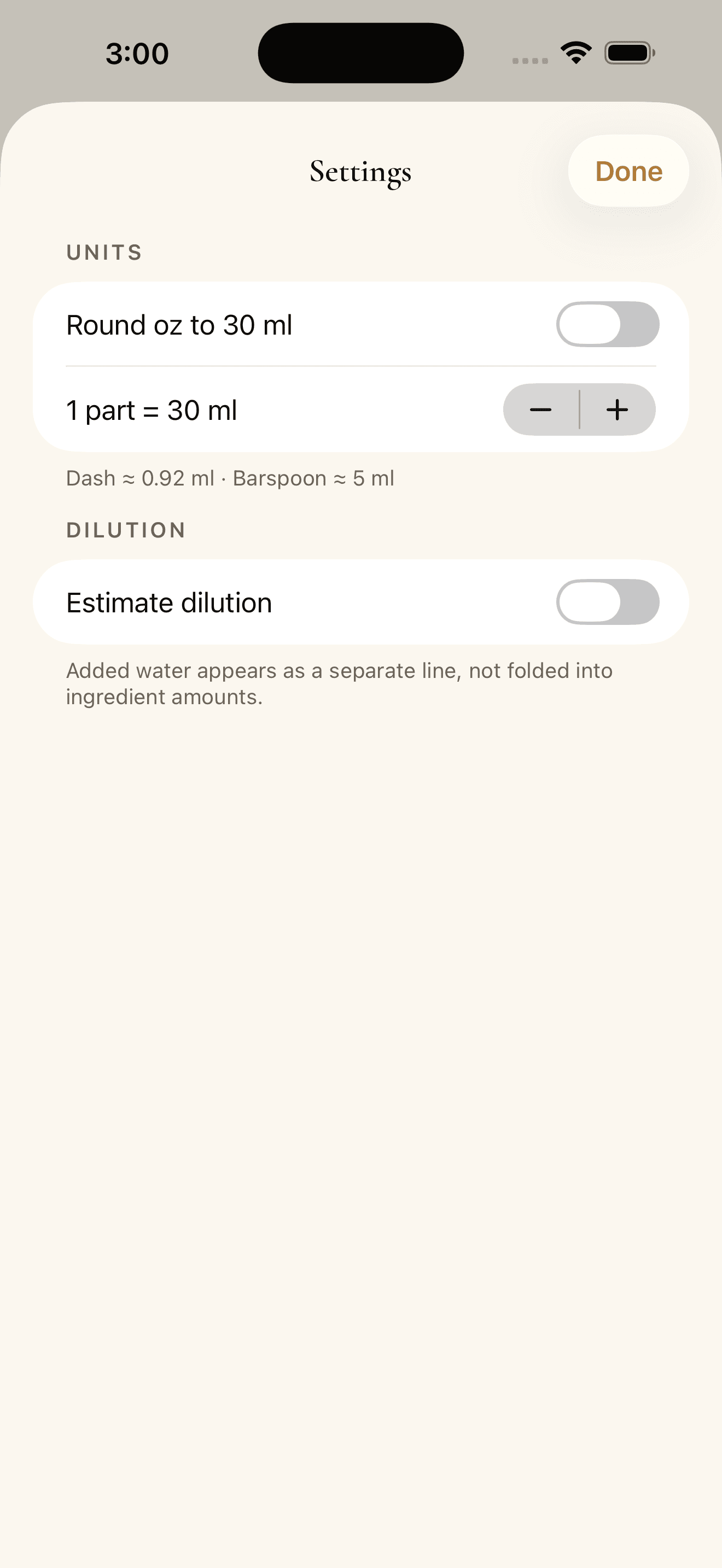
Estimate water for stirred, shaken, and built drinks so a prepared batch lands closer to service strength.
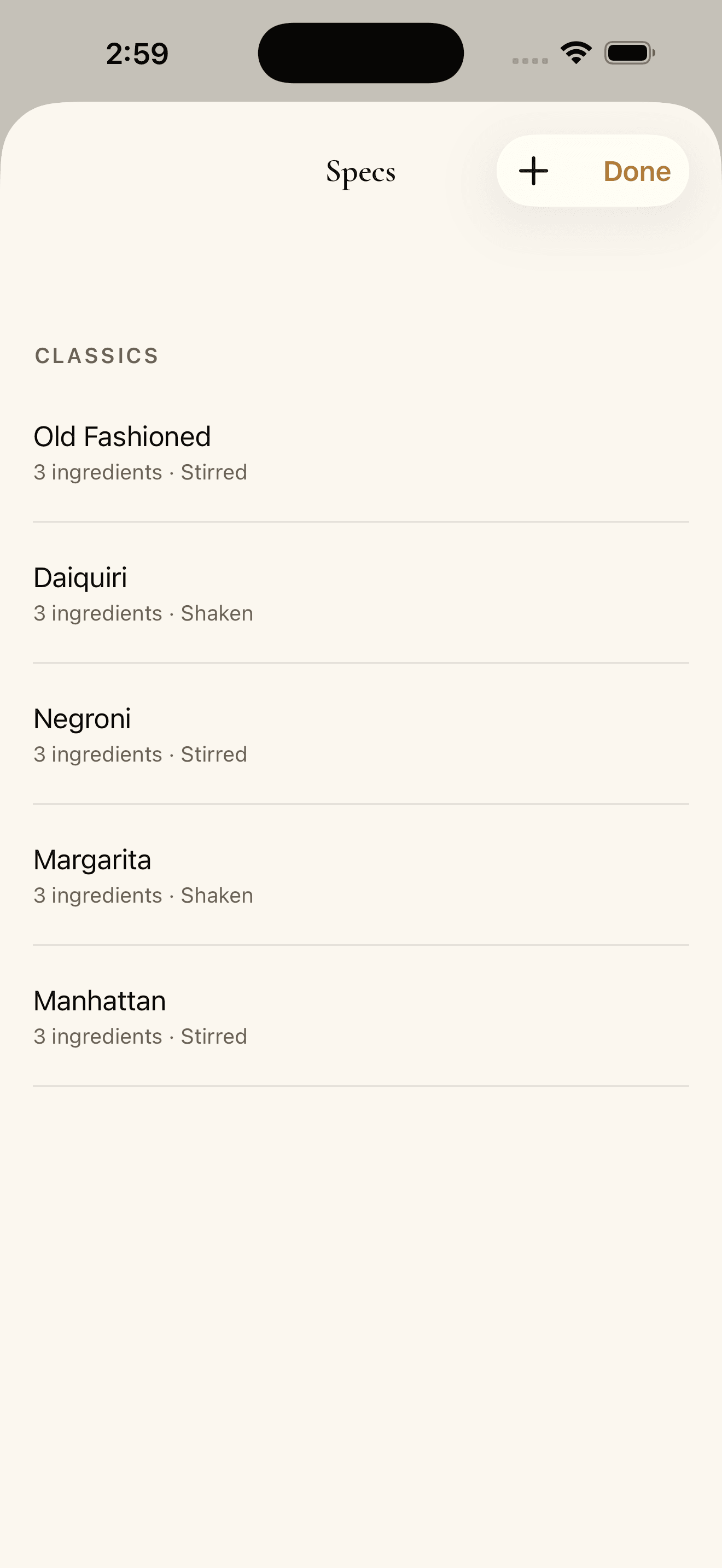
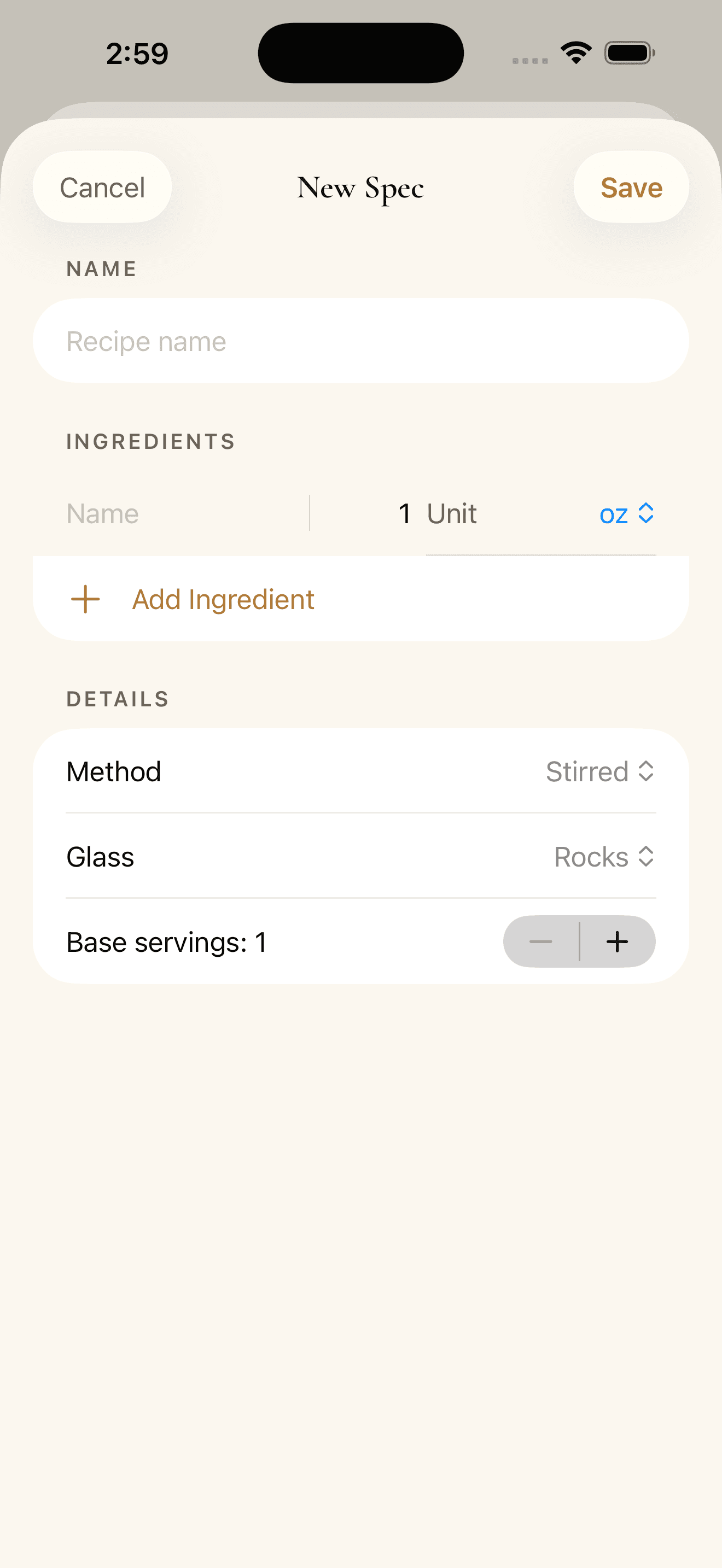
Save your own recipes alongside bundled classics in a layout made to glance at across a busy bar.
Product screens
Large controls, restrained contrast, and simple recipe views make InkBar easy to scan while scaling one drink or a full batch.
Private by design
No data collected
Works fully offline
Saved specs stay local
Questions, problems, feature ideas, and bug reports are welcome.